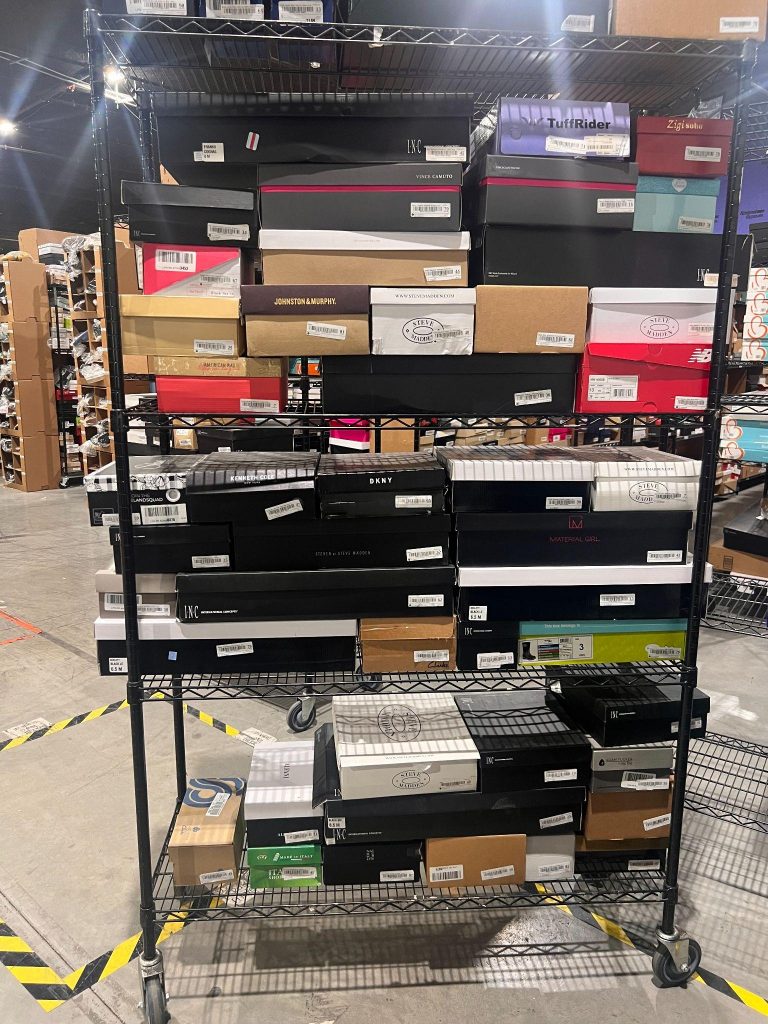
BASIC PROCESSING
- BEFORE scanning the Upc, make sure the product & the packaging matches. If they match, scan the UPC.
- If packaging and product does not match OR no packaging turn to pg.4
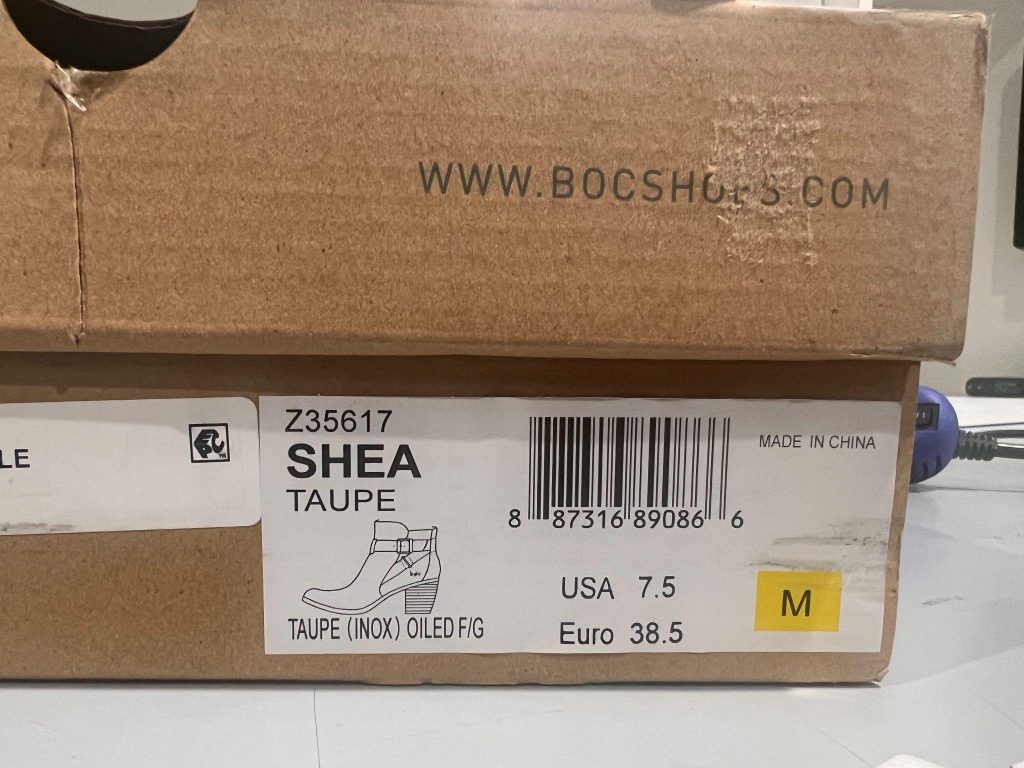
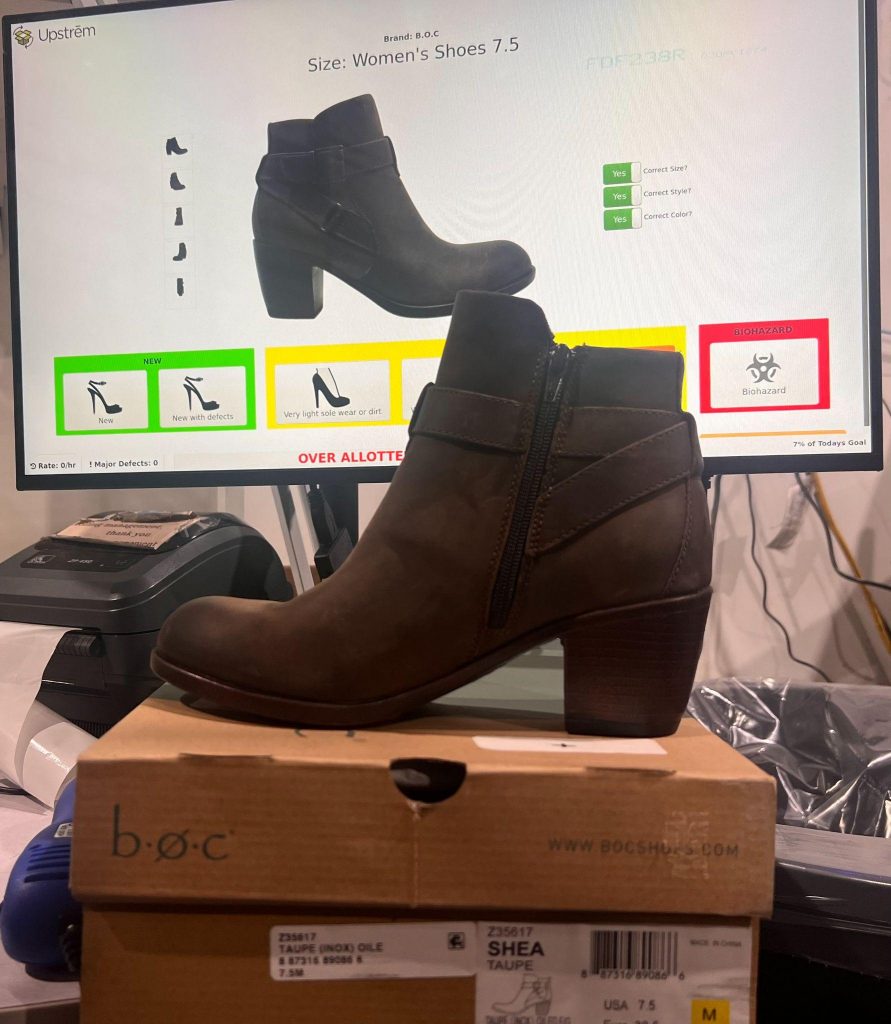
- Make sure the screen, item and packaging matches.
- If the screen does not match, mark what is incorrect on screen, finish step 3 and then turn to pg. 5 for instructions starting at step 2.
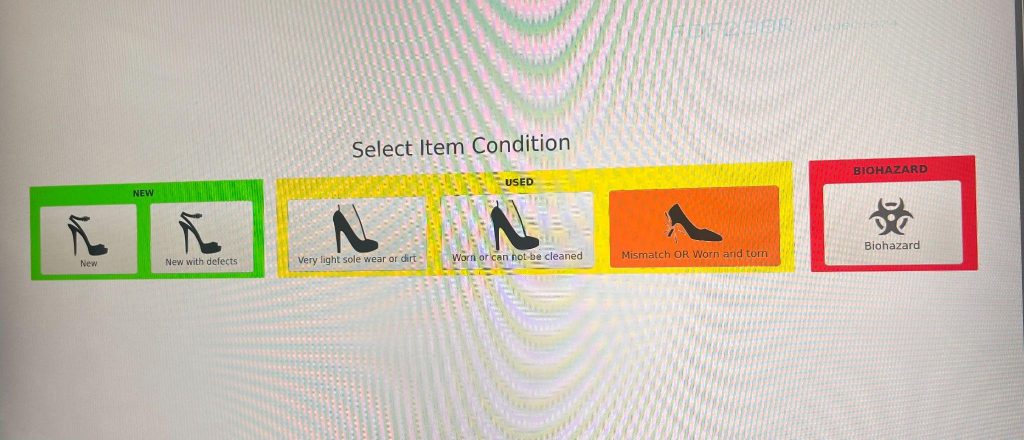
- Choose the item’s condition.
- New – Product is in perfect condition.
- New with Defect– Product is in new condition but
has a small defect. (scuff, missing jewels, ect.)
- Light Wear– Product has been tried on, heels / soles have light scuffs, ect.
- Worn can’t be cleaned– Can still be worn but has signs of significant wear. (dirty bottoms, deep scuffs / creases, stains)
- Mismatch /Worn and Torn – Different sizes, one shoe, different shoes, shoe is completely unwearable (holes, broke, overly worn)
- Biohazard- Bodily fluids, gum, mold, ect.
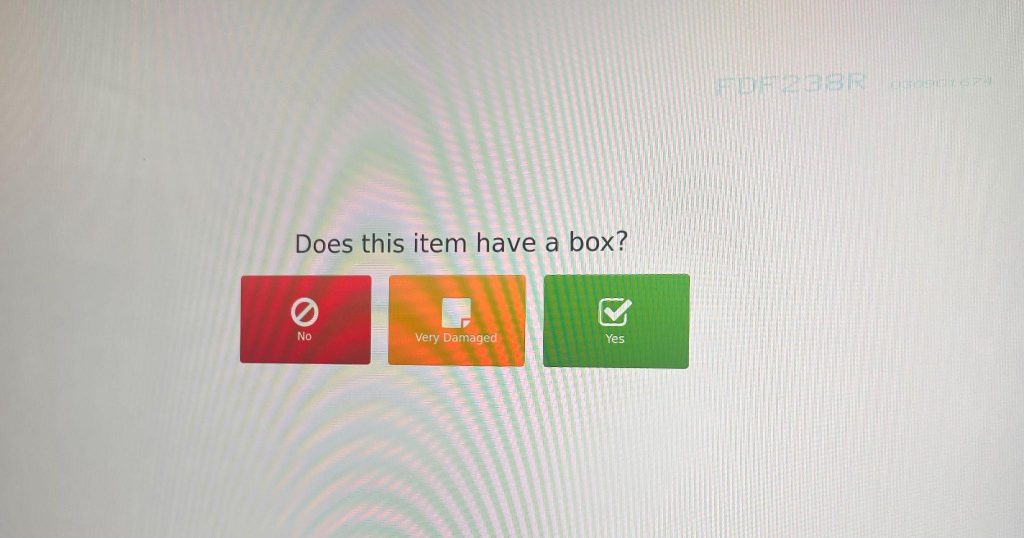
- Answer if the item has a box
- If the box is damaged but still holds the item without falling out, it is damaged.
- If an item came without a box or box is so damaged the item falls out, hit no box.
- Place SN on the package.
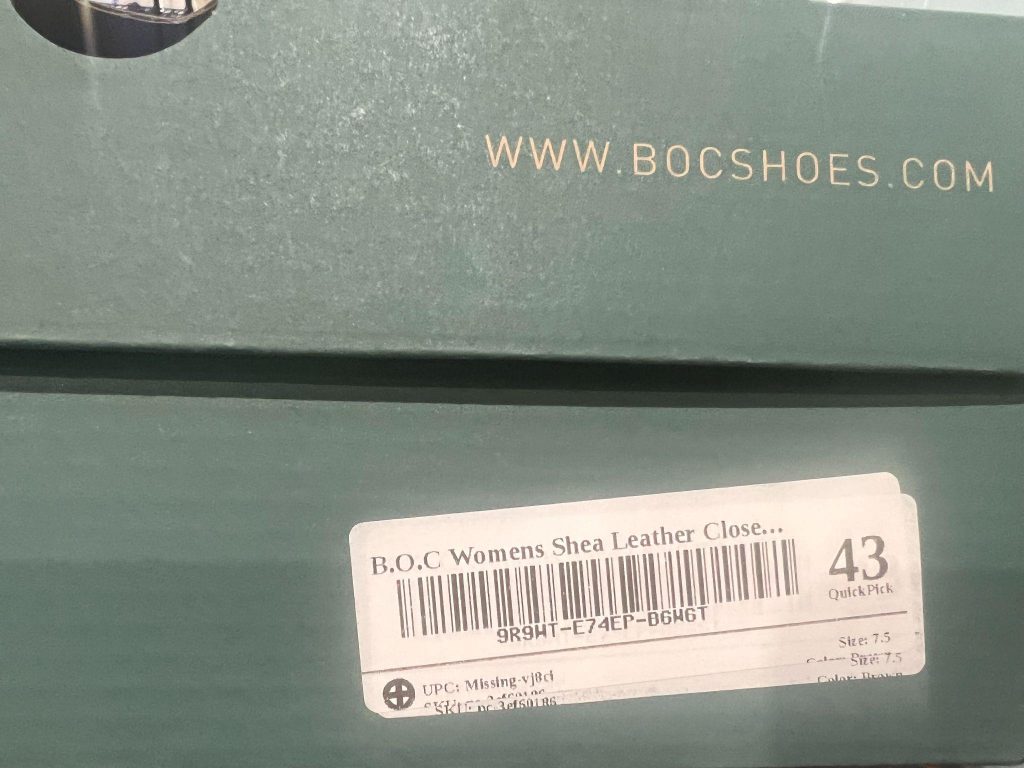
- Place an item on the destination rack that the system states with SN facing out.